Best Monero Wallet (2026): iPhone, Android, Desktop
The best Monero wallet depends on your device and on what else you hold. Here is the short answer:
- iPhone: Monero One for a Monero-only app, or Cake Wallet for many coins.
- Android: Monero One, Cake Wallet or Monerujo.
- Computer: Feather, or the official Monero GUI if you want to run your own node.
- Many coins in one app: Cake Wallet, Stack Wallet or Unstoppable.


We make Monero One. So this guide sticks to facts we can source, and it names the places where other wallets do better.
How We Compared
On October 17, 2026, we read each wallet's own docs, support pages, release notes and source code. On November 6, 2026, we added Unstoppable from its source code, release notes and store listings, and we checked the other wallets again. We did not test the apps by hand for this guide. The sources are listed at the end.
Each wallet gets the same six checks: platforms, seed formats, open source, node choice, Tor and hardware wallets.
All seven wallets are non-custodial. Your keys stay on your device, and the app scans the blockchain there.
Best Monero Wallets at a Glance
| Wallet | iPhone | Android | Computer | Coins | Tor | Hardware wallets |
|---|---|---|---|---|---|---|
| Monero One | Yes | Yes | No desktop app | Monero only | Through Orbot | Trezor Safe 7 (iPhone) |
| Cake Wallet | Yes | Yes | macOS, Linux | Many | Built in (experimental) | Ledger, Trezor |
| Stack Wallet | Yes | Yes | Windows, macOS, Linux | Many | Yes | Not stated |
| Unstoppable | Yes | Yes | No | Many | Built in (Android) | None |
| Monerujo | No | Yes | No | Monero only | Through Orbot | Ledger Nano S series |
| Feather | No | No | Windows, macOS, Linux | Monero only | Built in | Ledger, Trezor |
| Monero GUI | No | No | Windows, macOS, Linux | Monero only | SOCKS5 proxy | Ledger, Trezor |
Seed Formats
| Wallet | Creates | Restores |
|---|---|---|
| Monero One for iPhone | 16 words (Polyseed) or 24 words (BIP39) | 16 (Polyseed), 24 (BIP39) or 25 words (Legacy) |
| Monero One for Android | 24 words (BIP39) | 16 (Polyseed), 24 (BIP39) or 25 words (Legacy) |
| Cake Wallet | 16 words (Polyseed) by default, or 25 or 12 words | 16, 25 or 12 words |
| Stack Wallet | 16 words (Polyseed) by default, or 25 words | 16 or 25 words |
| Feather | 16 words (Polyseed) | 16, 14 or 25 words |
| Unstoppable | 12 words (BIP39) by default, or 15 to 24 words | 12 to 24 words (BIP39) or 25 words (Legacy) |
| Monerujo | 25 words | 25 words |
| Monero GUI | 25 words | 25 words |
Which seed do you have? Our Monero seed words guide explains each format.
Best Monero Wallet for iPhone
Monero One suits you if you want a wallet for Monero alone. On iPhone it handles Polyseed seeds, view-only wallets and a Trezor Safe 7 over Bluetooth. It adds home screen widgets, a sync Live Activity in the Dynamic Island, and Trusted Locations. Trusted Locations warns you when the wallet syncs outside the places you trust.
Cake Wallet suits you if you hold other coins, want Tor built into the app, or use a Ledger. It also runs on Mac.
Stack Wallet suits you if you want many coins and the same app on your phone and computer.
Unstoppable suits you if you want many coins and built-in swaps on your iPhone.
Our iPhone Monero wallet guide compares seven App Store wallets.
Best Monero Wallet for Android
Monero One for Android covers the basics: 24-word and 25-word seeds, your own nodes, Tor through Orbot, and home screen widgets. It also restores 16-word Polyseed seeds, but only the iPhone app makes them. View-only wallets and Trezor pairing are in the iPhone app only.
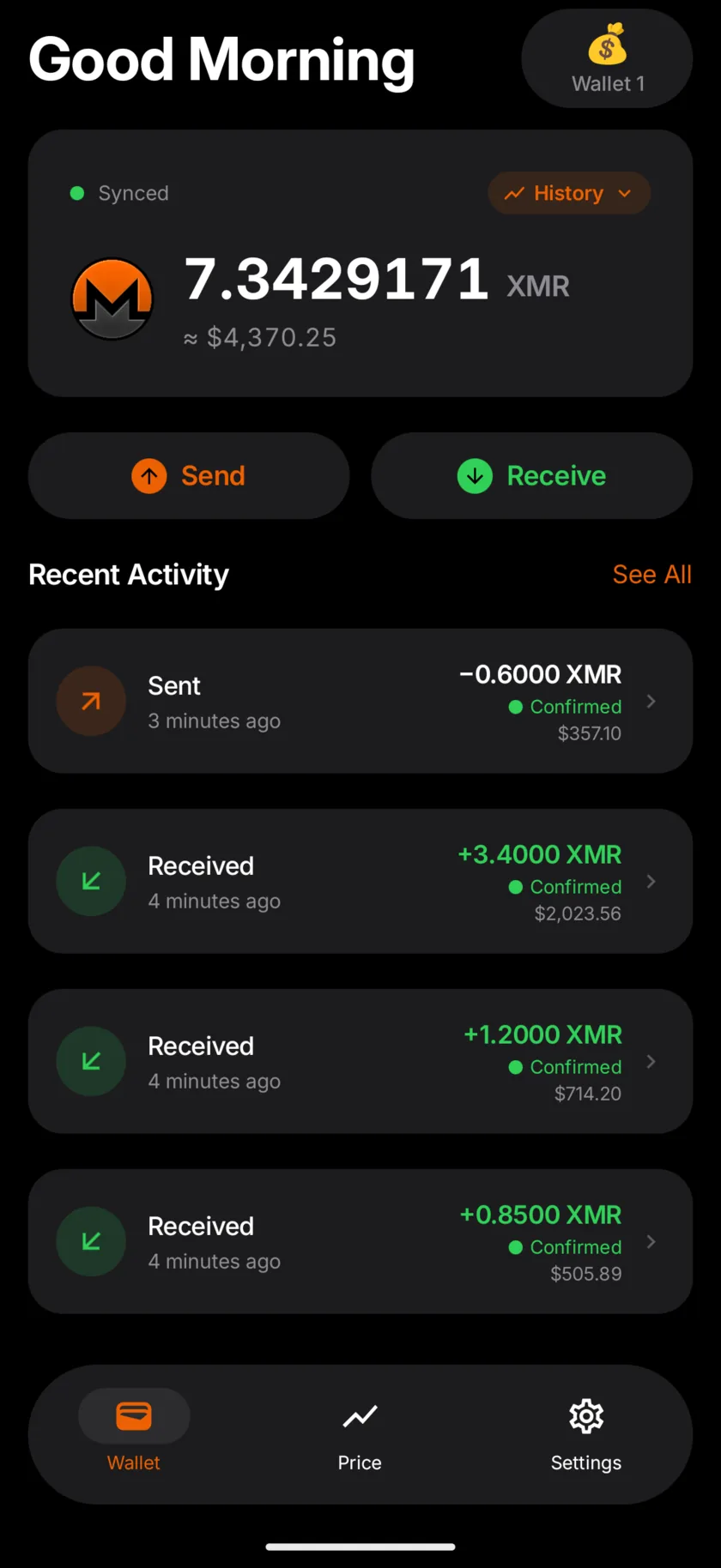
Cake Wallet does the most on Android. It creates Polyseed seeds, has built-in Tor, and works with Ledger and Trezor devices over Bluetooth or USB. You can install it from Google Play, its own F-Droid repository, Obtainium or Accrescent.
Monerujo is a Monero-only Android app. It works with a Ledger Nano S series device over a USB OTG cable, routes traffic through Orbot and supports seed offsets. Its latest release, v4.1.7, came out on June 17, 2025.
Unstoppable suits you if you want many coins, built-in swaps and built-in Tor on Android. It is in the main F-Droid catalog.
Our Android Monero wallet guide compares nine Android wallets, with F-Droid and APK options.
Best Monero Wallet for Desktop
Feather is a Monero-only desktop wallet. It bundles Tor, and by default it sends all network traffic over Tor except wallet sync. It works with many Ledger and Trezor models, and it can sign transactions offline. To open a Feather wallet on a phone, see Feather Wallet on iPhone or Android.
Monero GUI is the official wallet from the Monero project. It can run a full node on your computer, so your wallet syncs from your own copy of the blockchain. It works with Ledger and Trezor devices too.
Cake Wallet and Stack Wallet also run on computers, if you want one app on phone and desktop. Cake has paused its Windows builds.
The Wallets in Detail
Monero One
- Platforms: iPhone and iPad with iOS 17 or later. Android 8.1 or later.
- Get it: App Store or Google Play.
- Seeds: on iPhone, creates 16-word Polyseed or 24-word BIP39 seeds and restores 16, 24 and 25 words. On Android, creates 24-word seeds and restores 16, 24 and 25 words.
- Open source: yes, MIT license. Code for iPhone and Android.
- Nodes: built-in nodes include Monero One, HashVault and Seth for Privacy. You can add your own node, with a username and password if it needs one.
- Tor: turn on Use Tor Proxy, with Orbot or another Tor app running. With Tor on, wallet sync, prices and name lookups go through your Tor proxy. Two Monero One onion nodes are in the node list. Our guide to what a Monero node sees has the steps for each phone.
- Hardware wallets: a Trezor Safe 7 over Bluetooth, on iPhone.
- Suits: people who want a wallet for Monero alone, with iPhone extras.
- Where others do better: Cake Wallet and Feather build Tor into the app. Cake, Feather and the Monero GUI work with more hardware wallets. Monero One has no desktop app.
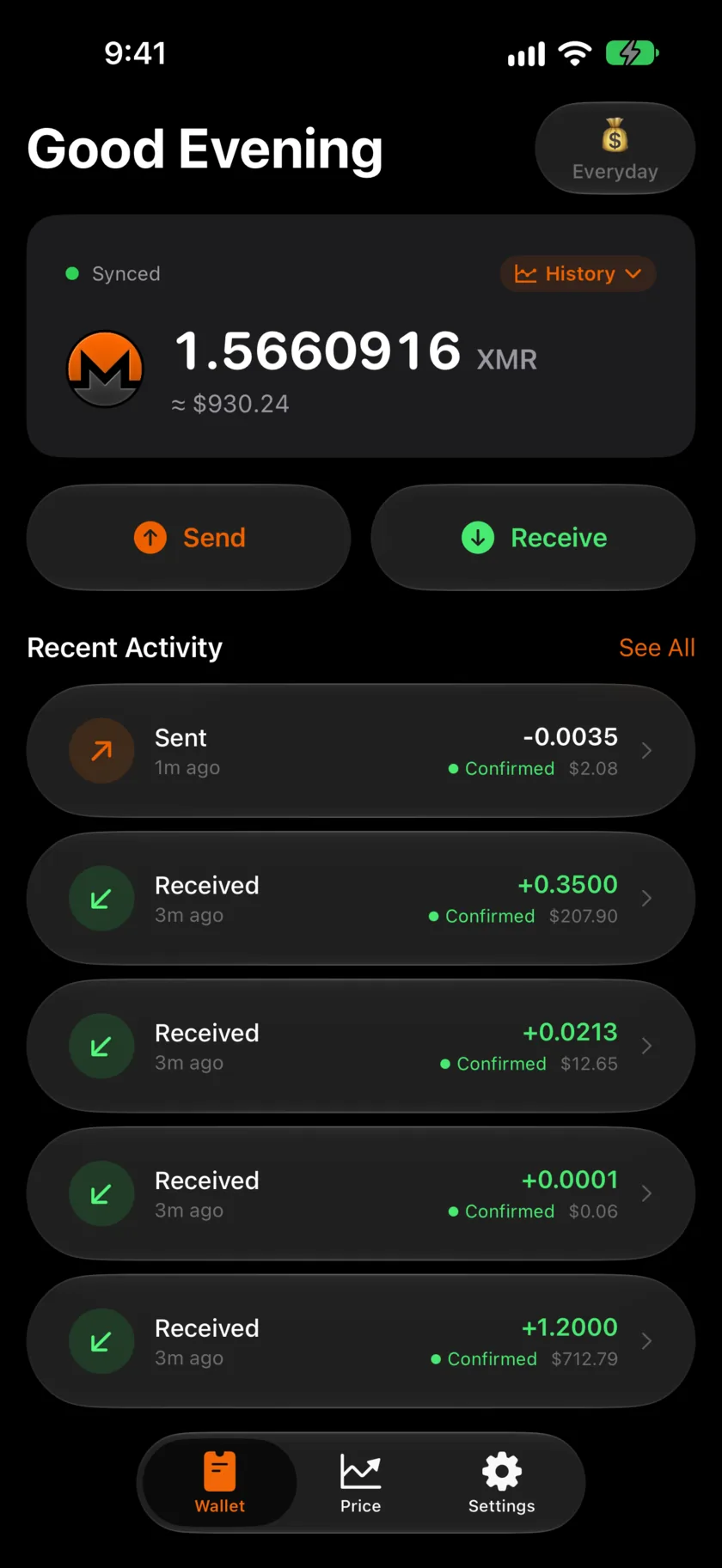
Cake Wallet
- Platforms: iPhone, iPad and Mac from the App Store. Android from Google Play, Cake's own F-Droid repository, Obtainium and Accrescent. Linux. Cake has paused its Windows builds and plans a new Windows app for late 2026.
- Seeds: new Monero wallets get a 16-word Polyseed by default. You can pick a 25-word Legacy or 12-word BIP39 seed instead, and add a seed passphrase under Advanced Settings.
- Open source: yes, MIT license.
- Nodes: your own nodes, with login and SSL options.
- Tor: built-in Tor, which Cake marks experimental, under Settings, App settings, Connections. Orbot works too.
- Hardware wallets: Ledger and Trezor. On iPhone and iPad, a Trezor must be a Safe 7.
- Coins: Monero, Bitcoin, Litecoin, Ethereum, Solana and more, with built-in swaps.
- Suits: people who hold several coins, or want built-in Tor or a Ledger on a phone.
- Where it beats Monero One: many coins, built-in Tor, more hardware wallets, seed passphrases, Mac and Linux apps, and a track record since 2018.
Stack Wallet
- Platforms: iPhone, Android, Windows, macOS and Linux.
- Seeds: for Monero, 16 words (Polyseed) by default, or 25 words. It restores both.
- Open source: yes, GPL-3.0 license.
- Nodes: Stack's own node by default. You can add your own node, with login and SSL options.
- Monero features: its release notes list Polyseed, Tor, coin control and view-only wallets for Monero.
- Coins: many, with swaps through partner exchanges.
- Hardware wallets: not stated in the pages we read.
- Suits: people who want many coins and one app on every device.
Unstoppable
- Platforms: iPhone with iOS 17 or later, from the App Store. Android 9 or later, from Google Play, the main F-Droid catalog or an APK on GitHub.
- Monero support: added in version 0.44, in August 2025. You can send and receive, use subaddresses and accounts, and pick the outputs you spend (coin control). A view-only wallet takes an address and a view key.
- Seeds: a new wallet gets a 12-word BIP39 seed, or 15 to 24 words under the advanced options, with an optional passphrase. Since version 0.50 it also restores 25-word Legacy seeds.
- Open source: yes, MIT license. Code for iPhone and Android.
- Nodes: a built-in list that starts with Unstoppable's own node and includes Seth for Privacy and Cake Wallet. You can add your own node, with a login if it needs one.
- Tor: built into the Android app only. With Tor on, the Monero wallet connects through it.
- Hardware wallets: none.
- Coins: many, with built-in swaps that include Monero.
- Cost: free to download. An optional Premium plan adds extras such as scam checks and market data.
- Suits: people who hold several coins and want swaps in the same app, or built-in Tor on Android.
Monerujo
- Platforms: Android, from Google Play or Monerujo's own F-Droid repository.
- Seeds: 25 words, with an optional seed offset.
- Open source: yes, Apache-2.0 license.
- Nodes: a node list, plus your own.
- Tor: through Orbot.
- Hardware wallets: Ledger Nano S series, over a USB OTG cable.
- Latest release: v4.1.7, June 17, 2025.
- Suits: Android users who want a simple Monero-only app with Ledger support.
Feather
- Platforms: Windows, macOS, Linux, Tails and Raspberry Pi.
- Seeds: creates 16-word Polyseed seeds. Restores 16, 14 and 25 words.
- Open source: yes.
- Nodes: by default, a random node from a curated list of remote nodes. You can add your own node.
- Tor: bundled. By default, all traffic except wallet sync goes over Tor.
- Hardware wallets: Ledger Nano S, S Plus, X, Stax and Flex. Trezor Model T, Safe 3 and Safe 5. Feather's docs say the Trezor Safe 7 is not currently supported.
- Extras: view-only wallets and offline signing.
- Suits: desktop users who want Tor by default and wide hardware wallet support.
Monero GUI
- Platforms: Windows, macOS (Intel and Apple silicon) and Linux. The command-line wallet runs on more systems, Android and FreeBSD among them.
- Seeds: 25 words.
- Open source: yes, from the Monero project.
- Nodes: run a full node on your computer, or connect to a remote node.
- Tor: a SOCKS5 proxy setting, for use with Tor on your computer.
- Hardware wallets: Ledger Nano S, S Plus, X, Stax, Flex and Nano Gen5. Trezor Model T, Safe 3 and Safe 5.
- Suits: people who want to run their own node, or who keep larger amounts on a hardware wallet.
What a Remote Node Sees
All seven wallets download blocks from a Monero node and find your payments on your device. Your keys stay with you.
Hidden from the node
- Your keys and seed
- Your balance
- Recipient and amount
Seen by the node
- Your IP address
- When your wallet syncs
- Transactions you send
- Blocks your wallet asks for
A remote node still sees your IP address, and it sees when your wallet syncs and sends a payment. Tor hides your IP address from the node. With your own node, as in the Monero GUI, your wallet syncs from your own computer.
Light wallet servers work another way. You give the server your private view key, and it scans the chain for you. The Monero project's Moneropedia says a view key lets the holder see "every incoming transaction for that address." MyMonero worked this way until it shut down on January 6, 2026. Our MyMonero guide shows how to restore those wallets.
For storage tips, read our guide on how to store Monero safely.
FAQ
What is the best Monero wallet for iPhone?
Monero One and Cake Wallet both run on iPhone and keep your keys on the phone. Pick Monero One for a Monero-only app with iPhone extras like widgets and Trusted Locations. Pick Cake Wallet for many coins, built-in Tor or a Ledger.
What is the best Monero wallet for Android?
Cake Wallet does the most on Android: Polyseed seeds, built-in Tor and hardware wallets. Monero One and Monerujo are simpler apps for Monero alone. Monero One for Android restores 16, 24 and 25-word seeds, and Monerujo works with a Ledger.
Can I move my wallet from one app to another?
Yes, if the new app reads your seed format. Your XMR lives on the Monero blockchain, and the seed is the wallet. A 25-word seed restores in Monero One, Cake Wallet, Stack Wallet, Feather, Monerujo, Unstoppable and the Monero GUI. Type your seed only into a wallet app on your own device, never into a website.
Is Monero One free?
Yes. Monero One has no ads and no in-app purchases. You pay only the Monero network fee when you send, and that fee goes to miners.
New to Monero One? The FAQ covers the basics. Monero One vs Cake Wallet compares the two side by side.
Sources
Read on October 17, 2026. Unstoppable added and every wallet checked again on November 6, 2026.
- Monero One: iPhone source code, Android source code
- Cake Wallet: cakewallet.com, manage nodes, Monero, restore from seed or keys, hardware wallets, built-in Tor, install on iPhone and Mac, Windows
- Stack Wallet: stackwallet.com, source code, release notes
- Unstoppable: unstoppable.money, iOS source code and release notes, Android source code and releases, App Store, Google Play, F-Droid
- Monerujo: source code and release notes, monerujo.app
- Feather docs: seed scheme, nodes, hardware wallets, Tor
- Monero project: downloads, GUI release notes, GUI guide, seed formats, view key